FloatWebGet a quote

On this page
A website is not finished when it launches. It needs to be hosted somewhere, kept up to date, backed up and fixed when something breaks. A care plan is a monthly or yearly arrangement where someone does that for you. Some are good value. Some are vague. This guide explains what the parts mean so you can tell the difference.
What the words mean
Hosting
Hosting is the computer that stores your site and sends it to visitors. Quality varies. Slow or overloaded hosting makes every page slower, whatever the design looks like.
Backups
A backup is a saved copy of your site and its data. It matters only if you can restore from it. Useful questions: how often are backups taken, how long are they kept, are they stored somewhere separate from the site itself, and has a restore ever actually been tested?
Security updates
Software that runs a website, and any plugins or add-ons it uses, gets security fixes over time. Applying them promptly closes known holes. A site built on lots of plugins has more of these to keep on top of. A simpler build has fewer. This is part of why we wrote about WordPress and Next.js.
Uptime monitoring
Monitoring means a tool checks your site every few minutes and alerts someone if it stops responding. Without it, you often find out your site is down when a customer tells you. Be clear on who gets the alert and who acts on it.
Small changes
Changing opening hours, swapping a photo, adding a service or fixing a typo. Good plans say how many changes are included each month, how you request them, and what happens when you go over.
Response times
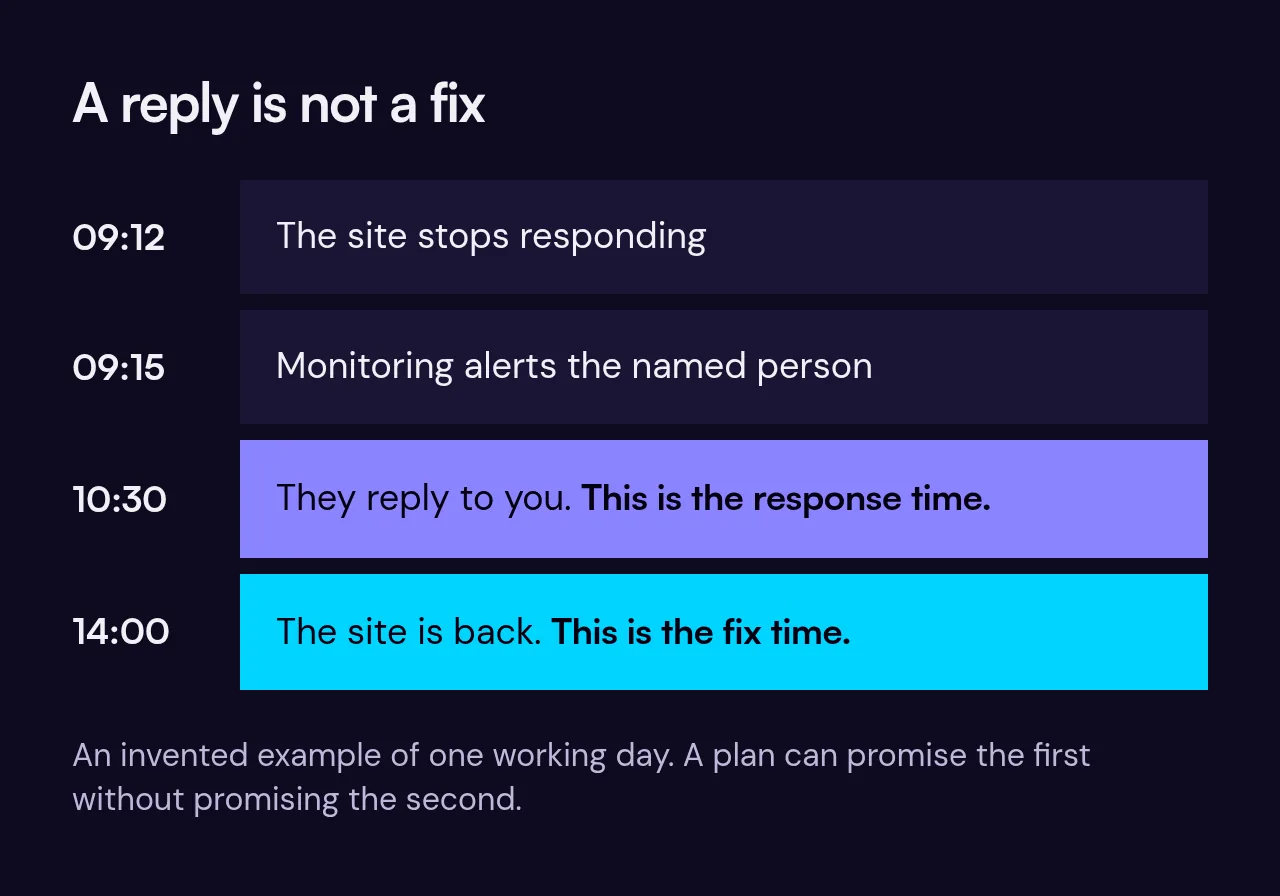
A response time is how quickly someone replies to you, which is not the same as how quickly the problem is fixed. "We reply within one working day" is a promise you can hold someone to. "Fast support" is not. Check whether the hours are working days or round the clock.
What a care plan should include
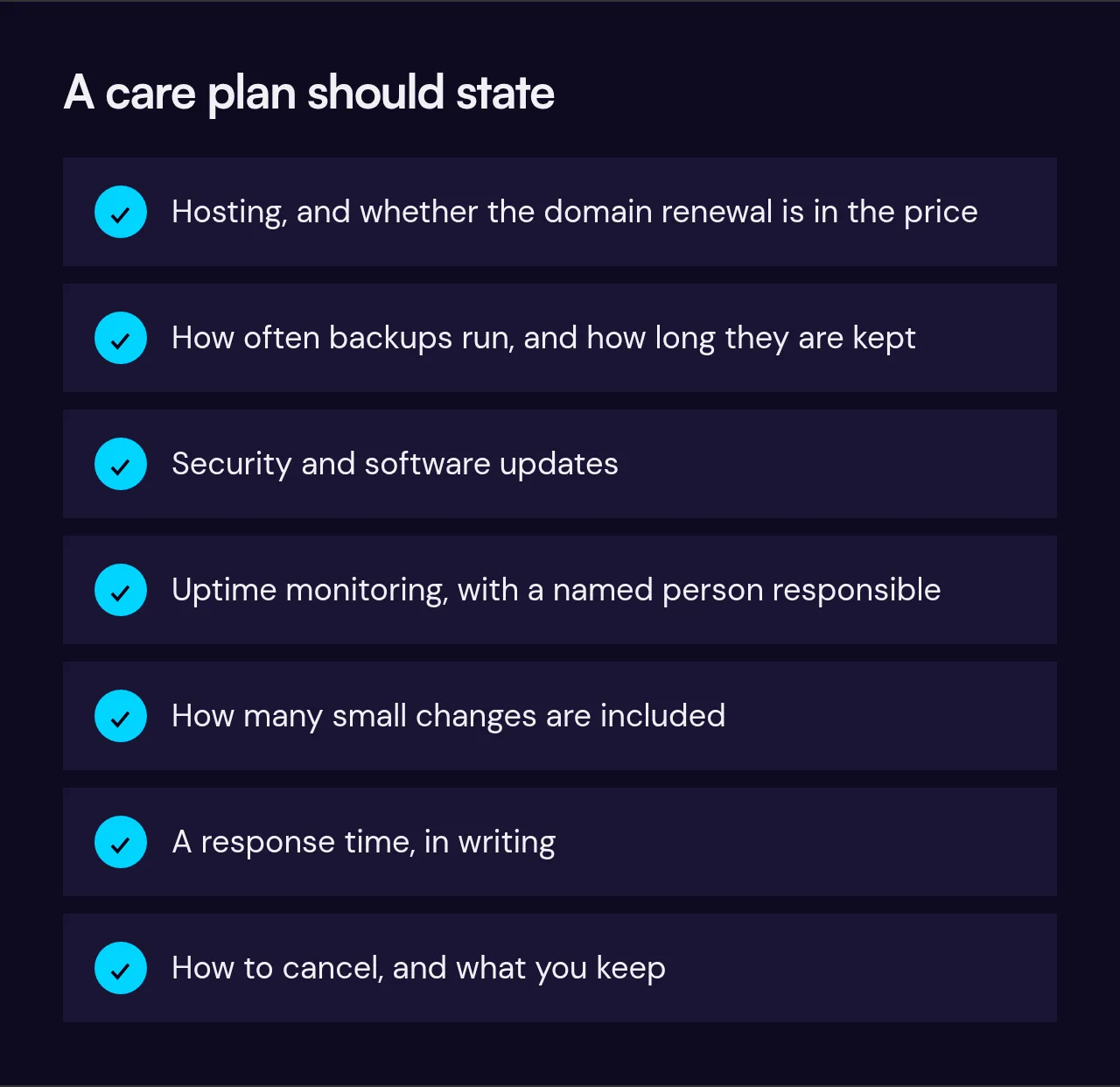
- Hosting, with the domain renewal stated clearly, either in or out of the price.
- Regular backups with a known retention period.
- Security and software updates.
- Uptime monitoring with a named person responsible.
- A stated amount of small content changes.
- A stated response time, in writing.
- A way to cancel, and what you keep if you do.
What it should not include
Be wary of plans that bundle in things which are really separate jobs, or promise vague extras.
- "Unlimited changes". This rarely survives contact with reality. A clear allowance is more honest.
- Guaranteed rankings. No one can promise where Google will place you. Ongoing search work is a separate service and should be priced as one.
- A lock-in you cannot leave. If cancelling means losing the site, that is a rental, not care.
- New pages or features hidden in the small print. Larger additions are normally quoted separately.
Questions to ask before you sign
- What exactly is covered, and what costs extra?
- How often are backups taken, and where are they kept?
- Who is alerted if the site goes down, and how fast do they respond?
- How many changes are included, and how do I ask for one?
- What is the minimum term and the notice to cancel?
- If I leave, do I get my site, content and domain?
When you may not need one
A care plan is a convenience, not a legal requirement. You may be fine without one if:
- Your site is a handful of simple pages that rarely change, on hosting you already trust.
- You or someone on your team is comfortable doing updates and keeping backups.
- A short outage would cost you little.
You are more likely to want one if the site brings in enquiries or sales, if nobody on your team wants to be the person responsible for it, or if you would rather make one phone call than learn how it works.
Our plans
We publish what our plans include on the care plans page, and what they cost is on our price list. If you are not sure whether you need one, ask us. If the honest answer is no, we will say so.